Start With a Peeled Potato and a Delivery
Begin Potato Please by opening a sack, peeling a potato at the workbench, and dropping the cleaned potato through the water chute to complete the delivery. Use the machinery, puppy, and ending guides below when you need help beyond that opening routine.
Open the Correct Steam Game
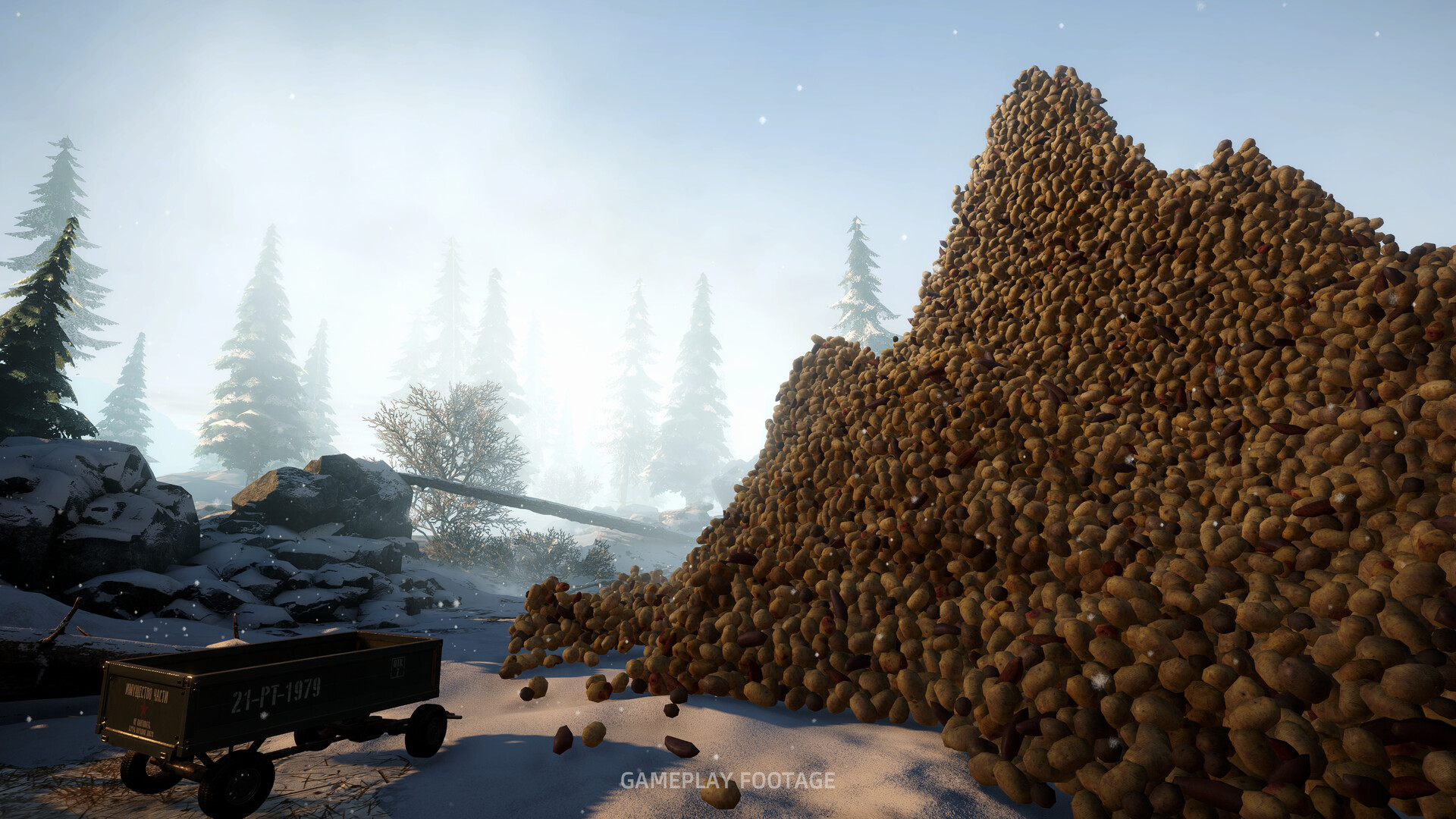
The official Steam listing identifies Potato Please by Golden Horn Studios as a single-player, first-person potato-peeling simulation for Windows PC. This is the game covered here, with hand peeling, equipment upgrades, and a growing production operation. Use that listing to check the product and its platform before downloading.
Complete the Opening Delivery
- Read the initial directive so you know which opening assignment to follow.
- Open a starting potato sack to make its potatoes available for the workbench.
- Carry a potato to the workbench, where you will prepare it for peeling.
- Place the potato in the workstation's raw-potato bin to begin working on it.
- Peel the potato, using controlled cuts and repositioning it to reach the remaining skin.
- Carry the cleaned potato to the chute so it is ready for delivery.
- Drop the cleaned potato into the chute to complete the delivery action.
- Return to the supply terminal after delivery to follow the newly available instructions.
A peeled potato left at the workbench has not completed the delivery step. If the opening objective appears stuck, check where the cleaned potato actually went before peeling more. Finish the chute delivery before returning to the terminal.
Follow the Warm-up Objectives
After the opening delivery, follow the terminal objective to requisition the Rusty Knife. Continue the early peeling assignment, including the objective to peel 10 potatoes, and open the Journal when you earn a skill point. Completing the Warm-up Shift leads into the required Carry Capacity upgrade and the instruction to open the door into the larger work area.
Use the current Journal objective to decide what deserves your attention next. Equipment can become available through progression, so a locked purchase is a reason to check your active task and available money. Buying every optional upgrade as soon as it appears can distract you from the work that moves the shift forward.
Make Manual Peeling More Comfortable
Keep your cuts shallow and reposition the potato instead of pressing the blade deeper into it. Deep cuts remove usable flesh along with the skin. Aim for a controlled motion you can repeat comfortably while completing the opening assignments.
The Journal offers skills that address different problems with hand peeling. Stamina helps with stamina drain and recovery, while Tremor Treatment reduces hand tremor and drift. Read the available descriptions and spend points on the difficulty you notice most often.
Open the peeling guide for advice on blade position and cleaner cuts.
Get Help With Machines and Transport
When production slows, follow a load from the potato supply toward the peeling equipment. An idle machine needs a different response from a processing area already crowded with incoming sacks. Identify whether collection, transport, or peeling has stopped before spending money on another upgrade.
Find Food and Help for the Puppy
For Dog Food, go to the Upgrade Terminal and open the Character tab. Player feeding instructions say to approach the dog and press E on the dog itself. If you have been aiming at its bowl, change your target to the puppy.
Feeding the puppy is the action associated with Good Boy. The puppy can help with potatoes, but the developer's patch notes distinguish its peeling from machine output for quests. Keep that distinction in mind when a machine objective is still waiting for progress.
Open the puppy guide for feeding instructions and places to check when the dog wanders.
Choose When to Read Ending Spoilers
When you want the final route, use the Steam achievement guide's Golden Key and train instructions. That guide contains story spoilers, so save it for the point when you want explicit directions. Completionists should read its Pavel guidance earlier, because his storyline depends on replies made throughout the game.
Open the Steam achievement guide for ending instructions and story-choice planning; expect spoilers.
The developer added ending replay for finished saves. Before starting a new shift solely to revisit an ending, check your completed save. Keep story planning separate from replaying the final destination choice.
Use the In-game Troubleshooting Options
If you are physically stuck or a handling interaction has failed, open the pause menu and follow its Troubleshooting direction. The Troubleshooting page includes Unstuck, Wheelbarrow, and Sack fixes. For a problem that persists, use its report option so the developer can investigate the behavior you encountered.